Vehicle
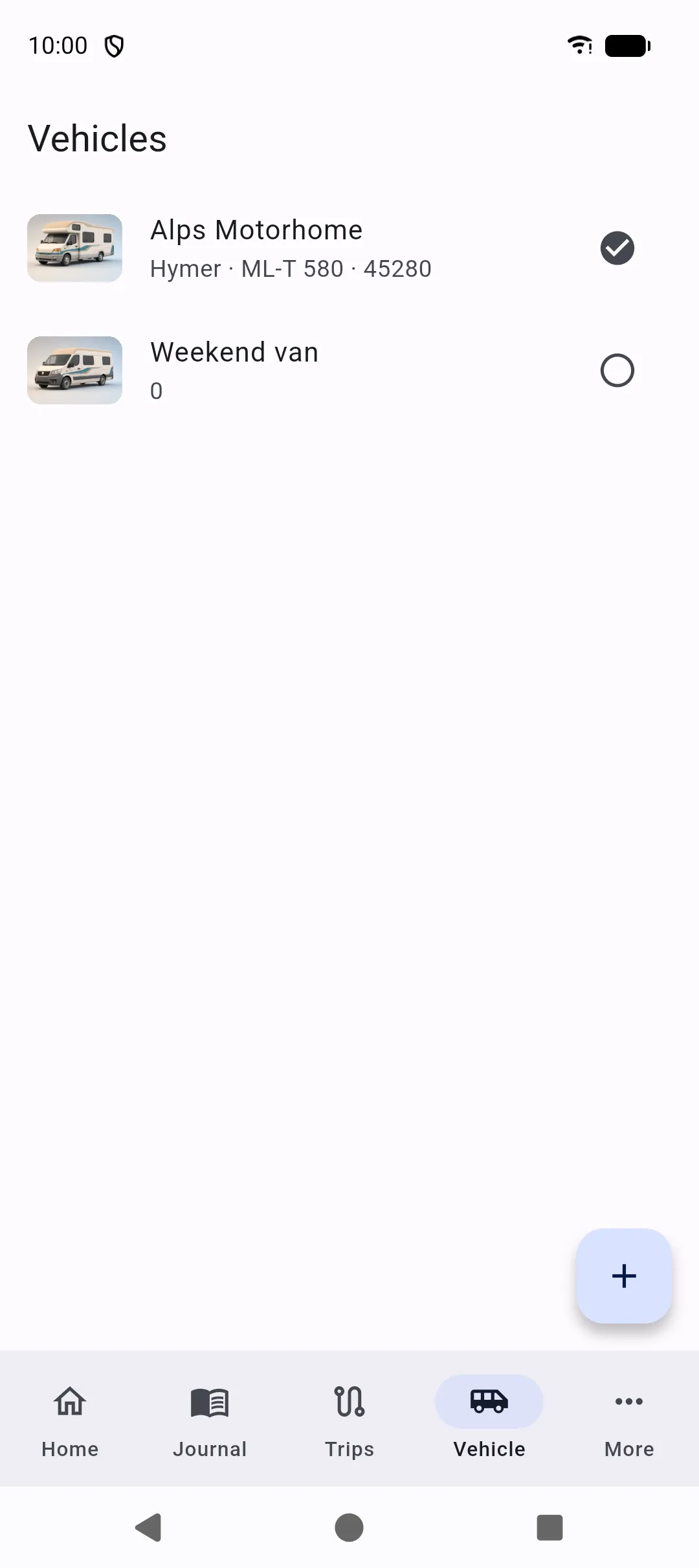
The Vehicle tab lists every vehicle you have created. Tap a row to open that profile. The check on the right is Use this vehicle: it selects that vehicle for Home, Journal, Trips, and More. The selected row shows a filled check; the others stay empty.
Each row shows a thumbnail (your photo, or a type illustration), name, make, model, and current mileage.
Profile
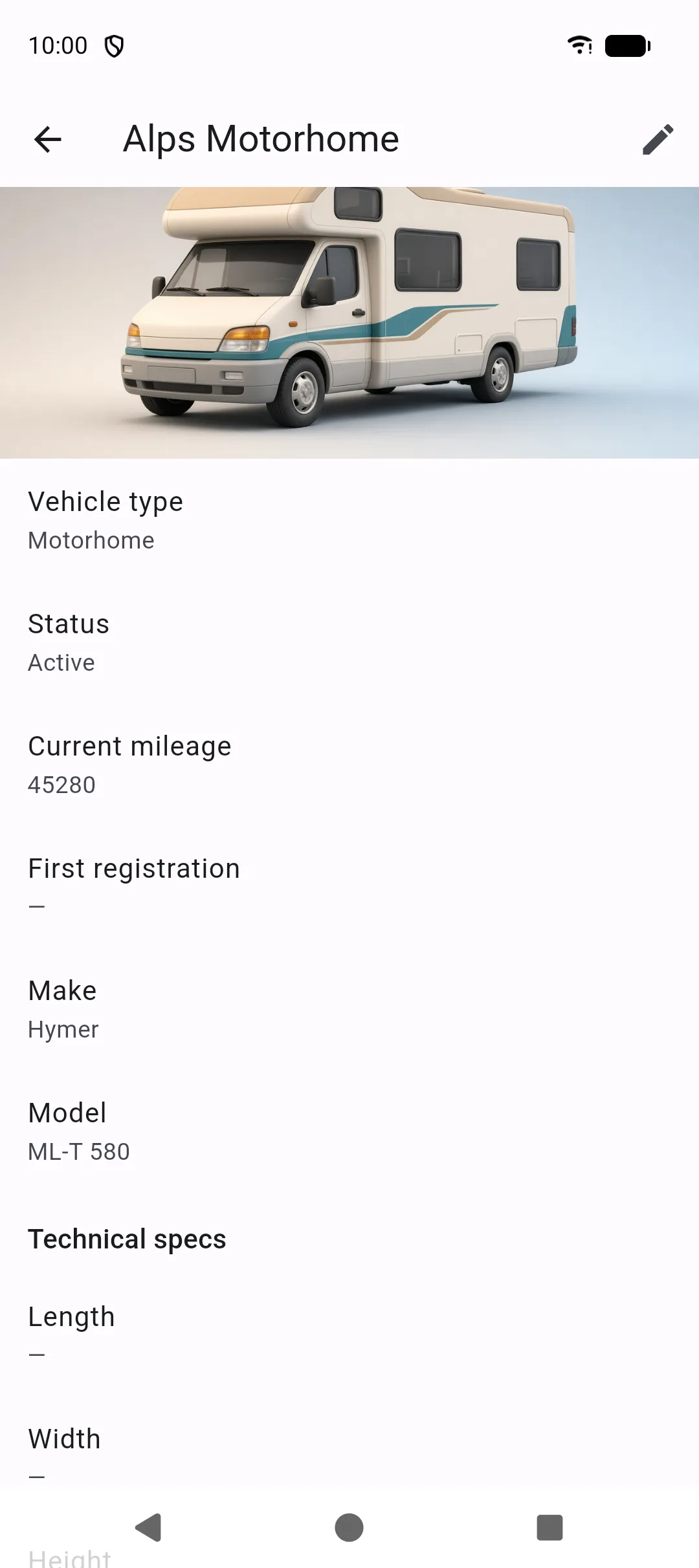
Section titled “Profile”Create or edit a vehicle with:
- Name (required), type, make, model, year, first registration
- License plate and VIN
- Current mileage, fuel type, tank capacity
- Photo
- Status: active or archived
- Notes
Types include motorhome, van, converted van, caravan, car, motorbike, and other. Fuel types include diesel, petrol, LPG, electric, hybrid, and other.
On Home, tapping the header photo opens this profile.
Technical specs
Section titled “Technical specs”Optional fields cover length, width, height, unladen weight, GVWR, payload, seats, berths, fresh water, grey water, gas capacity, and solar power. Weights and volumes follow the units in Settings.
Batteries
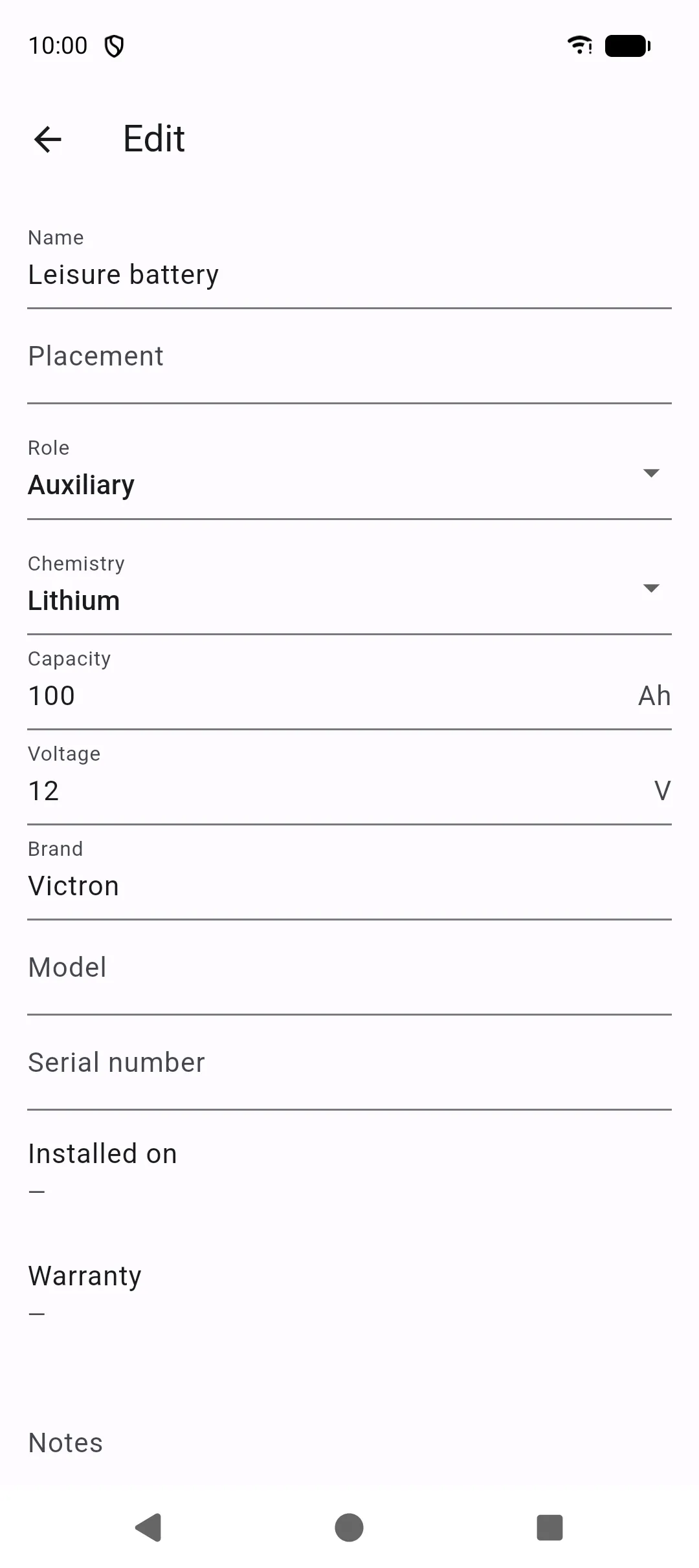
Section titled “Batteries”The profile lists Batteries for this vehicle. Tap + or Add battery, or open More → Batteries.
Details are in Batteries.
The profile shows the mounted tire set (name and season) or No mounted tire set. Tap Tires to open the full list. In the editor you can Add tire set and manage tires the same way as under More → Tires.
Only one set can be mounted at a time. Details are in Tires.
Several vehicles
Section titled “Several vehicles”- Use this vehicle (Vehicle tab check, or the Home title menu) selects it for the logbook.
- Set as primary marks the default vehicle.
- Delete vehicle permanently removes that vehicle and all related records and files. Export a backup first if you might need them.
Archived vehicles stay in the list but are no longer your day-to-day logbook.