Trips
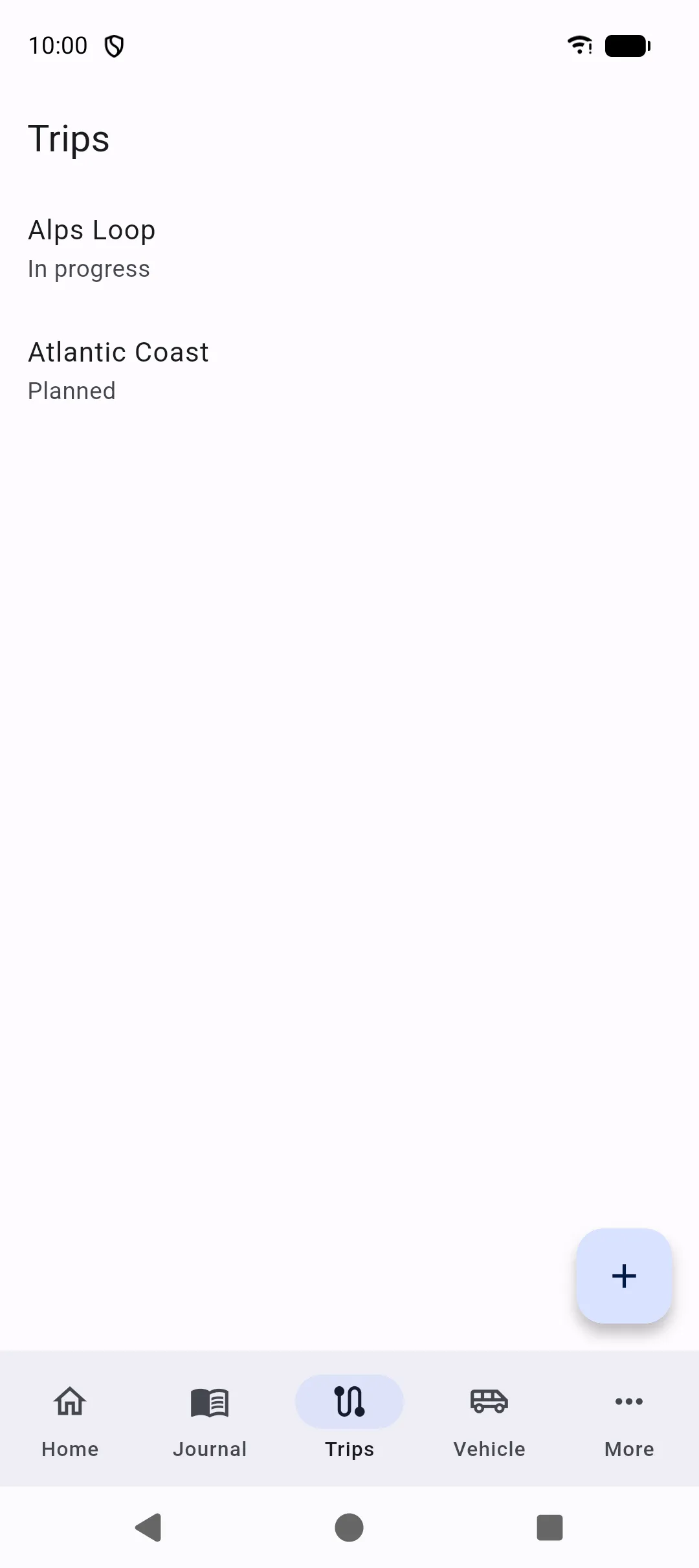
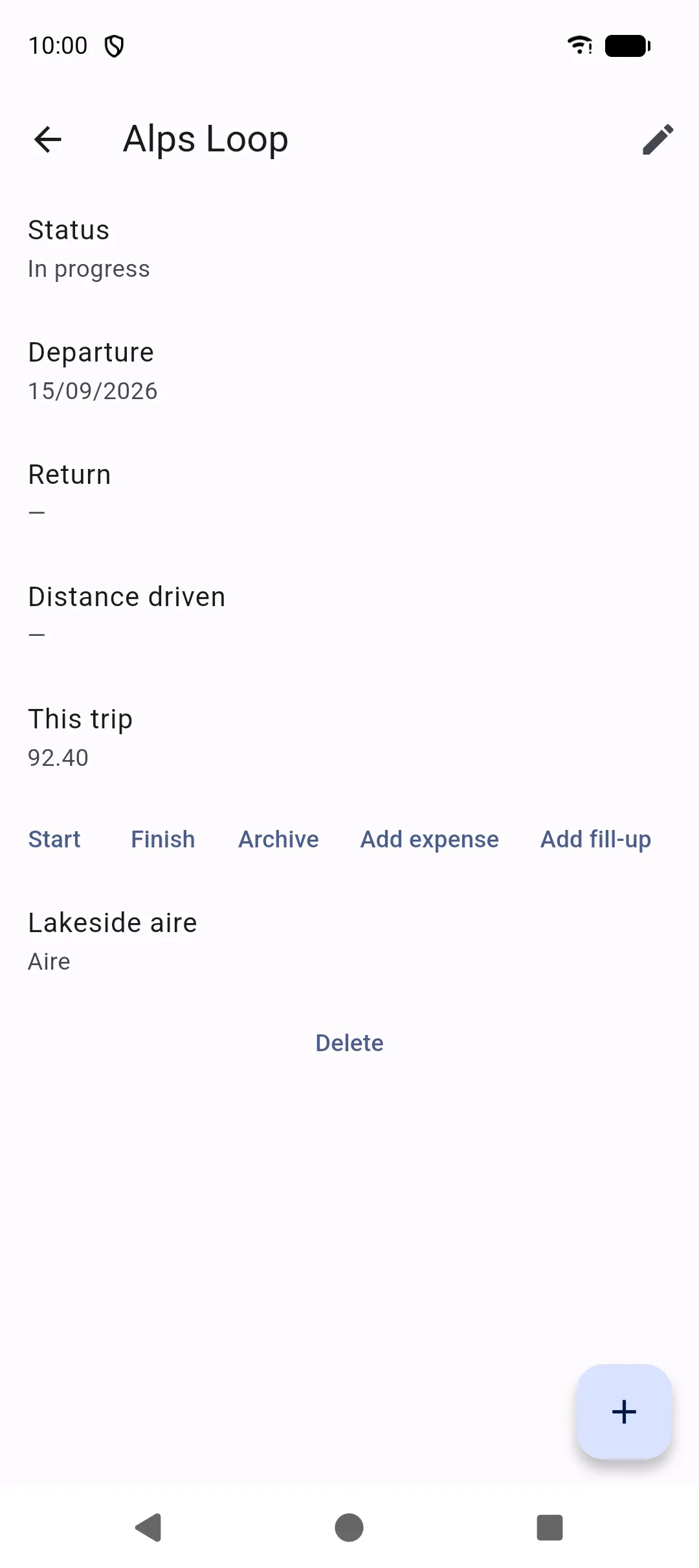
Trips group a journey: dates, mileage, budget, notes, photos, and a list of stops. The list shows trips for the selected vehicle.
Trip record
Section titled “Trip record”When you create or edit a trip you can set:
- Name
- Status: planned, in progress, completed, or archived
- Departure and return dates
- Start and end mileage (distance driven is calculated when both exist)
- Budget and notes
- Photos or attachments, with Import a file and Take a picture
Start a trip from Home (Start trip) or with + on the Trips tab. A trip in progress also appears on the Home dashboard.
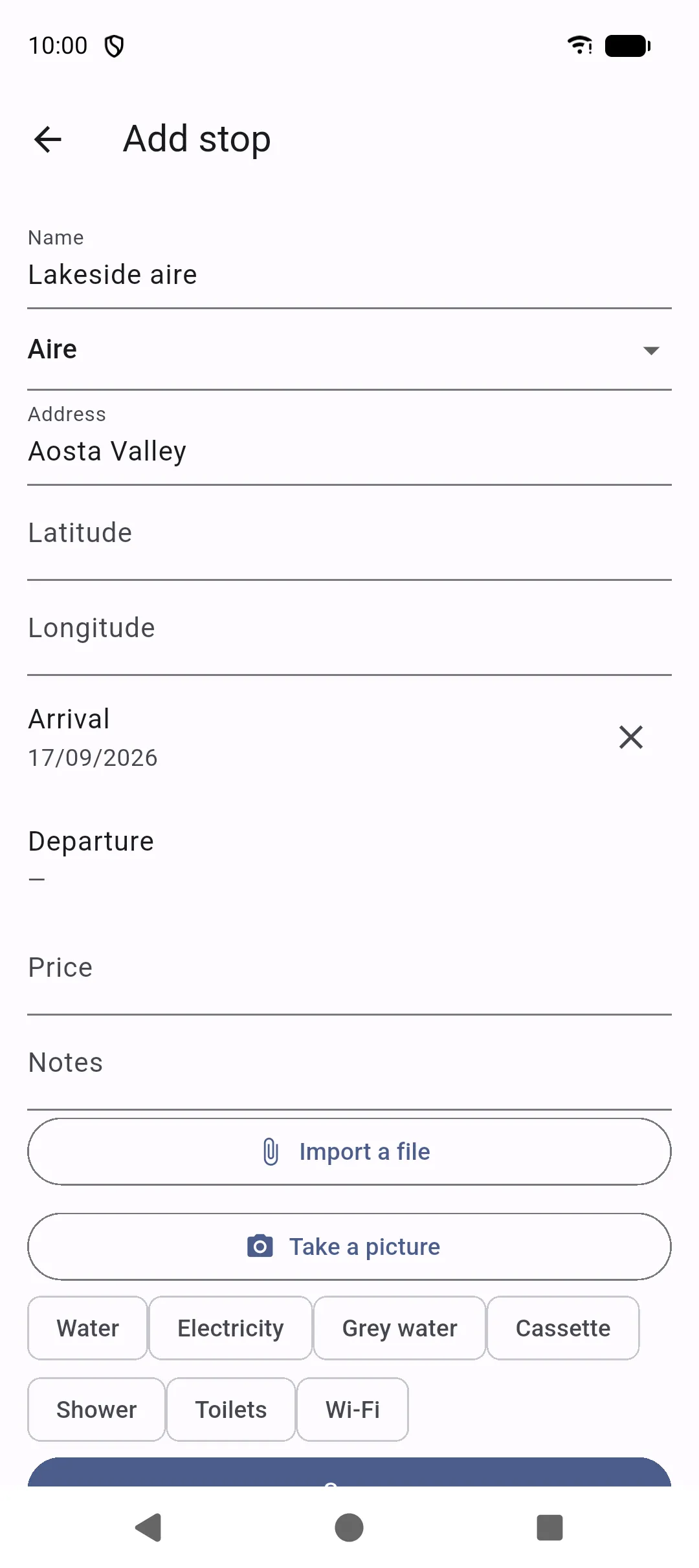
Open a trip, then add stops. Each stop can include:
- Type: campsite, aire, parking, wild camping, gas station, garage, or other
- Address and optional coordinates
- Arrival and departure
- Price
- Services: water, electricity, grey water, cassette, shower, toilets, Wi‑Fi
- Notes
Stops keep overnight places, service areas, and workshops attached to the journey instead of as loose notes.