
Documents
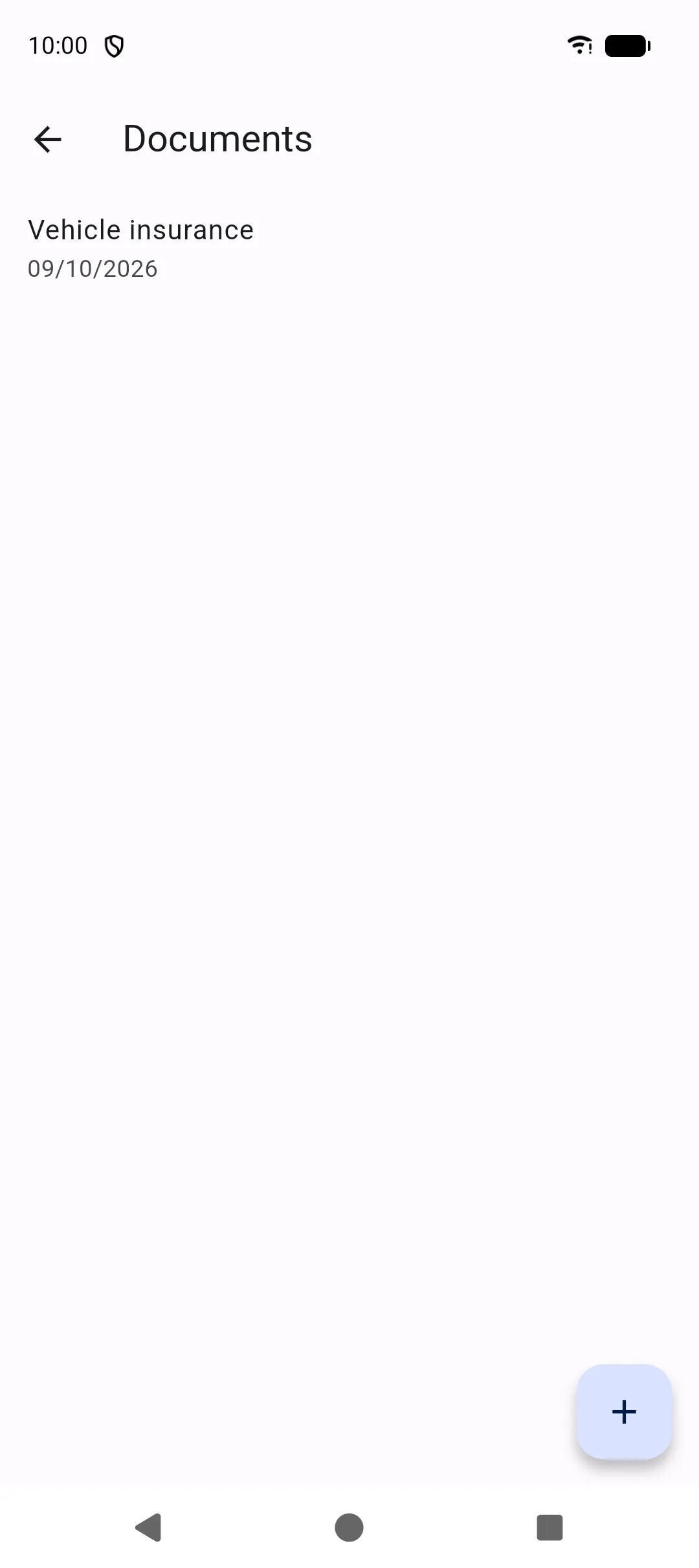
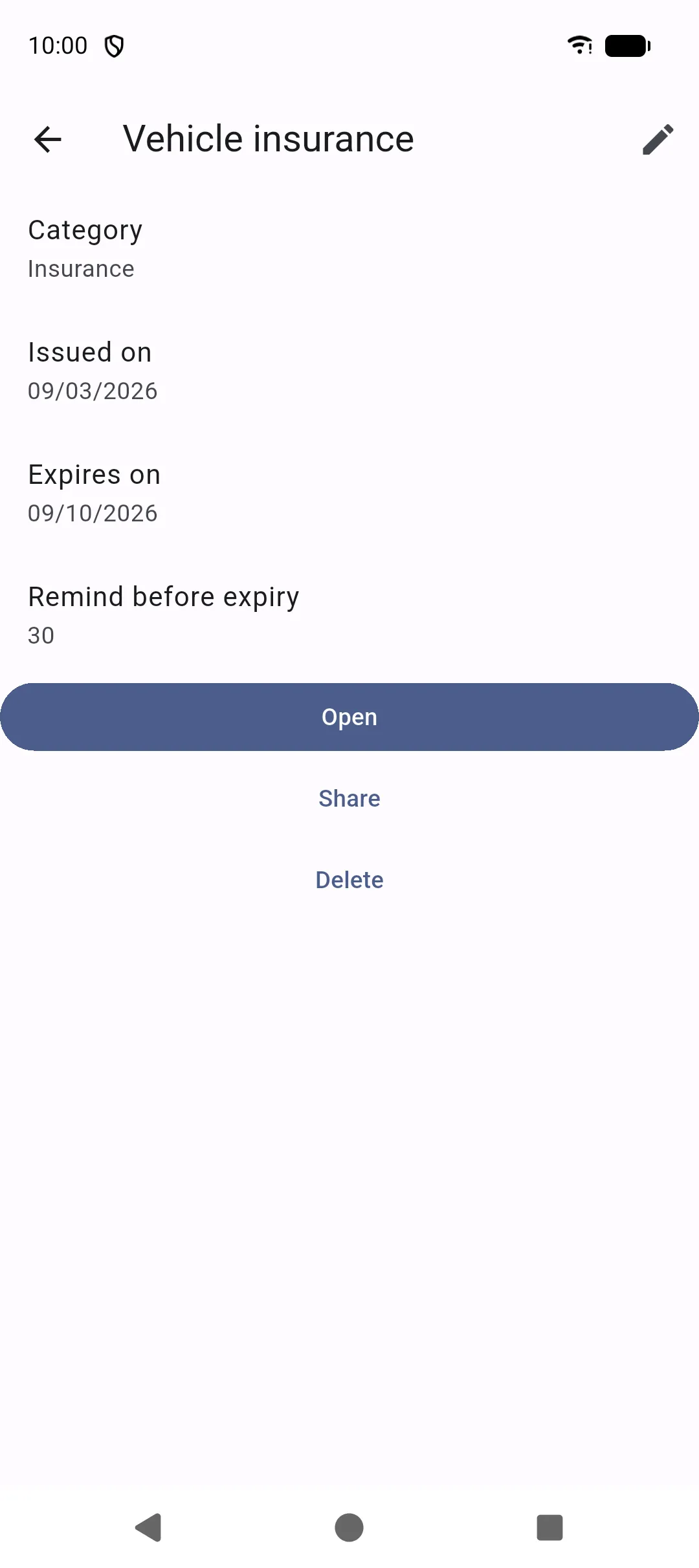
More → Documents keeps papers next to the vehicle: photos or PDFs you import, plus dates so Home can warn you before something expires.
What you can store
Section titled “What you can store”Typical categories:
- Registration
- Insurance
- Technical inspection
- Gas inspection
- Waterproofing
- Invoice
- Warranty
- Manual
- Certificate
- Other (or a custom category)
Each document has a title, issued date, expiry date, optional “remind before expiry” (days), notes, and one attachment.
Adding a file
Section titled “Adding a file”Use the same two actions as elsewhere in the app:
- Import a file — system picker for a photo, PDF, or other file
- Take a picture — camera
If a file is already attached, Open shows it. SAKCarLog does not ask for unrestricted access to all files; you pick what to attach. Files stay in the app’s encrypted local storage.
See Photos and files.
Expiry alerts
Section titled “Expiry alerts”If you set an expiry date and reminder days, Home lists Expired document or Document expiring soon. Turn on notifications in Settings if you also want a system alert.