
Mileage and maintenance
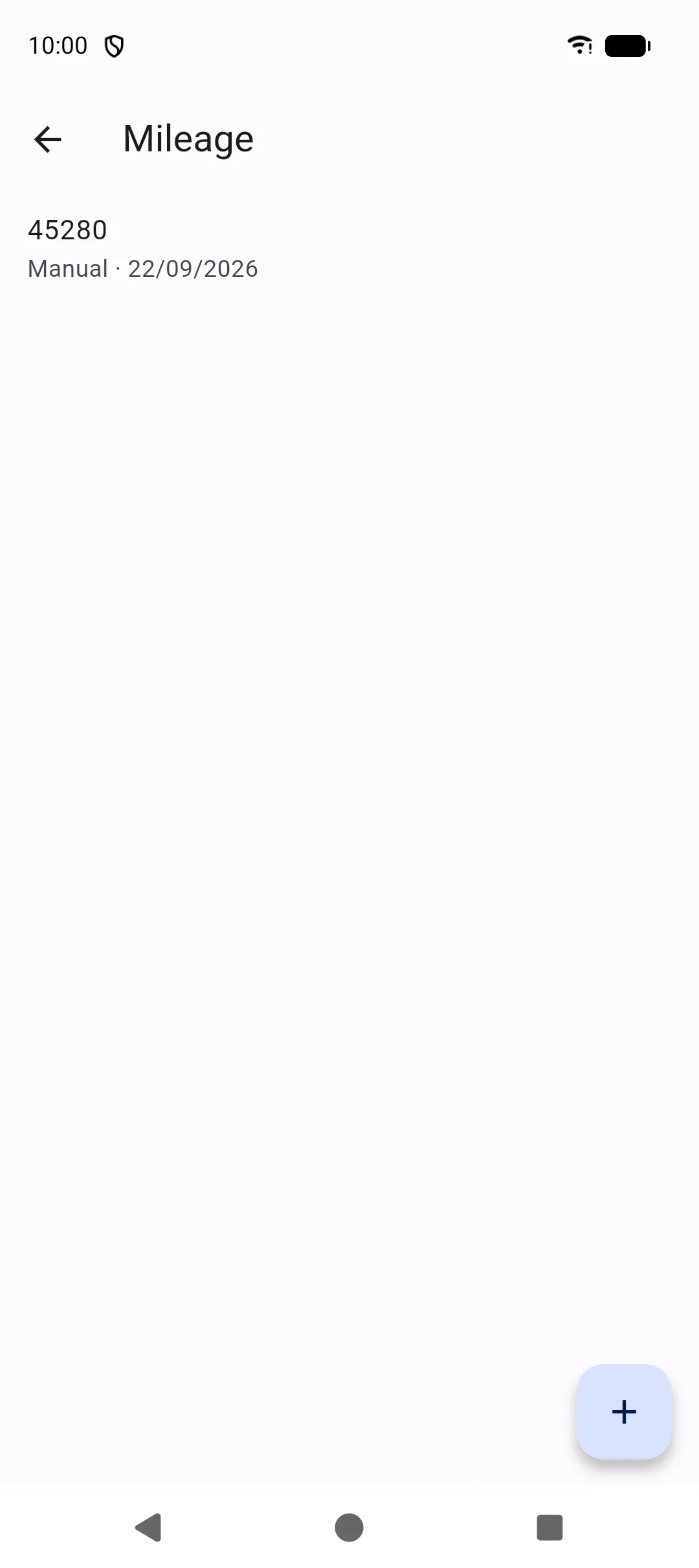
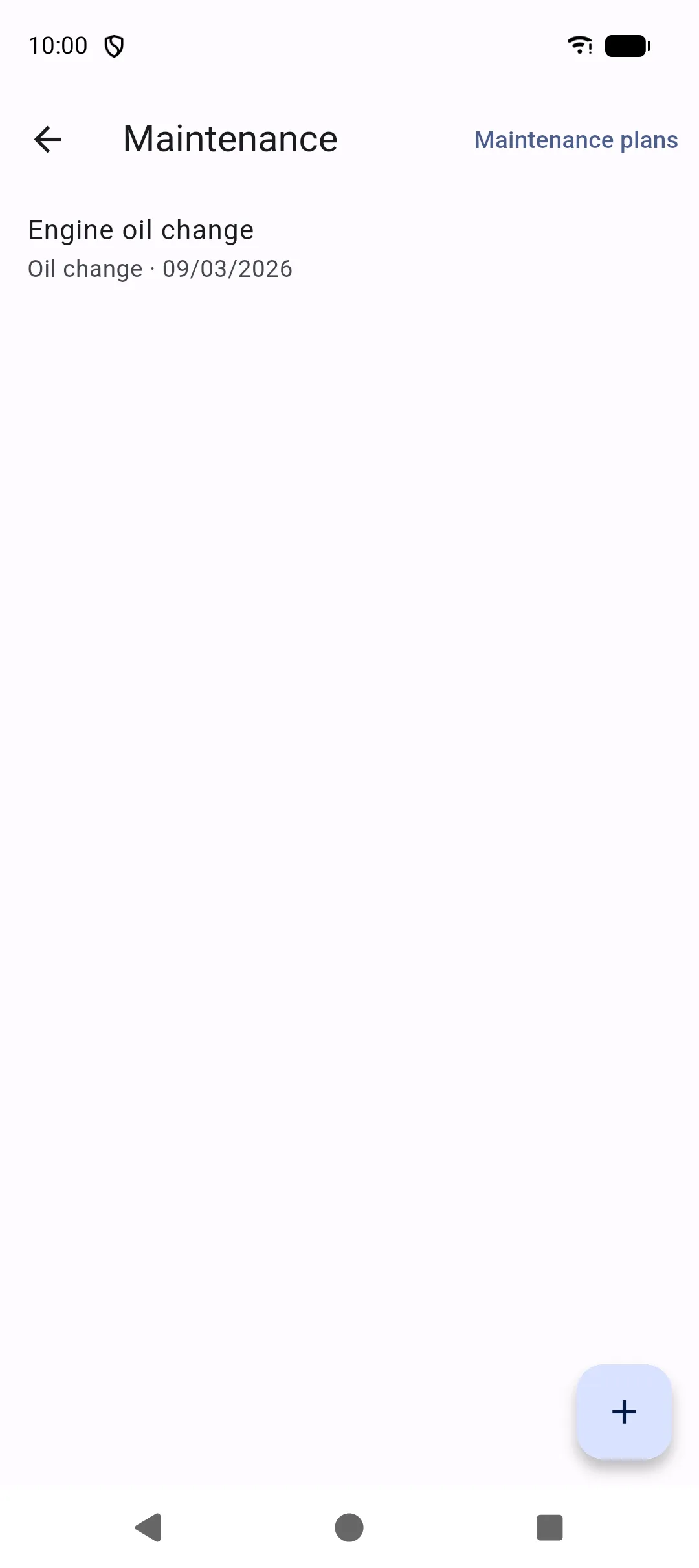
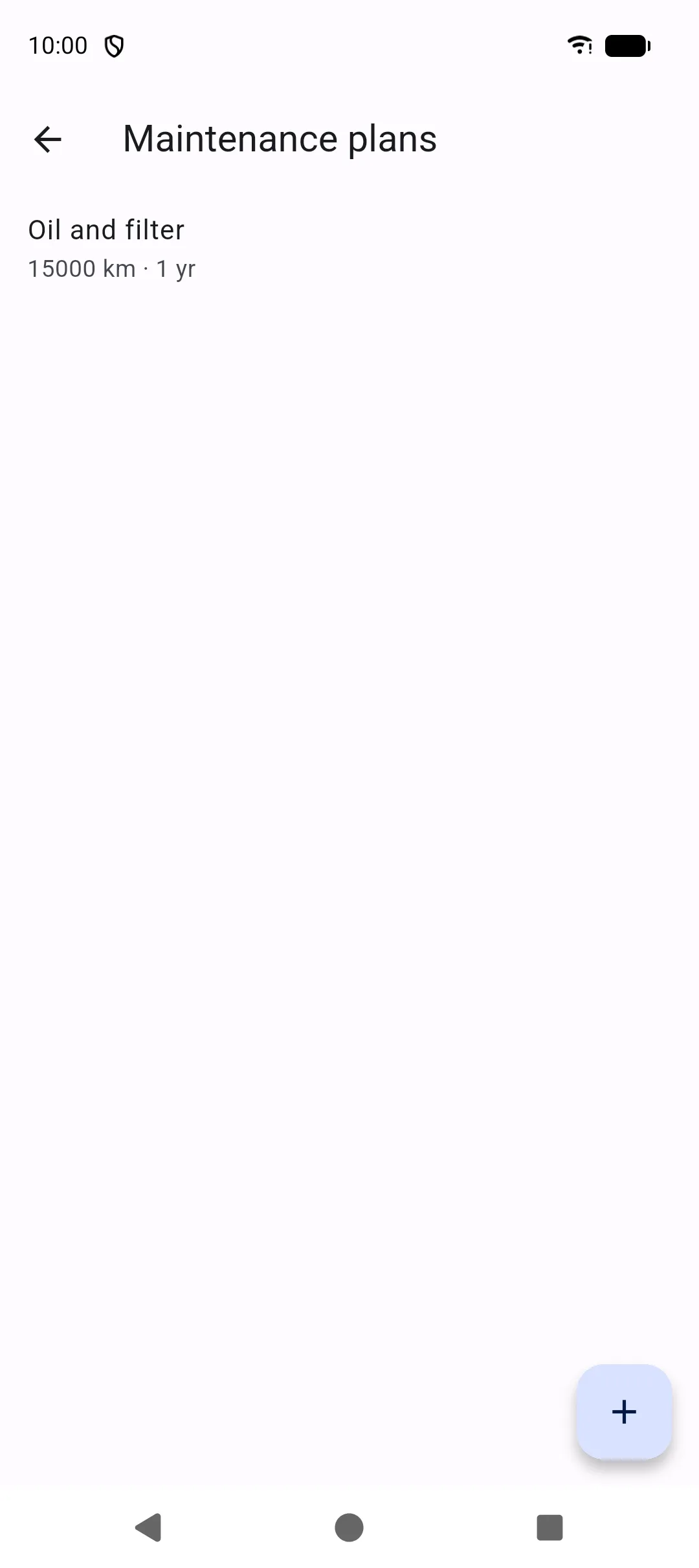
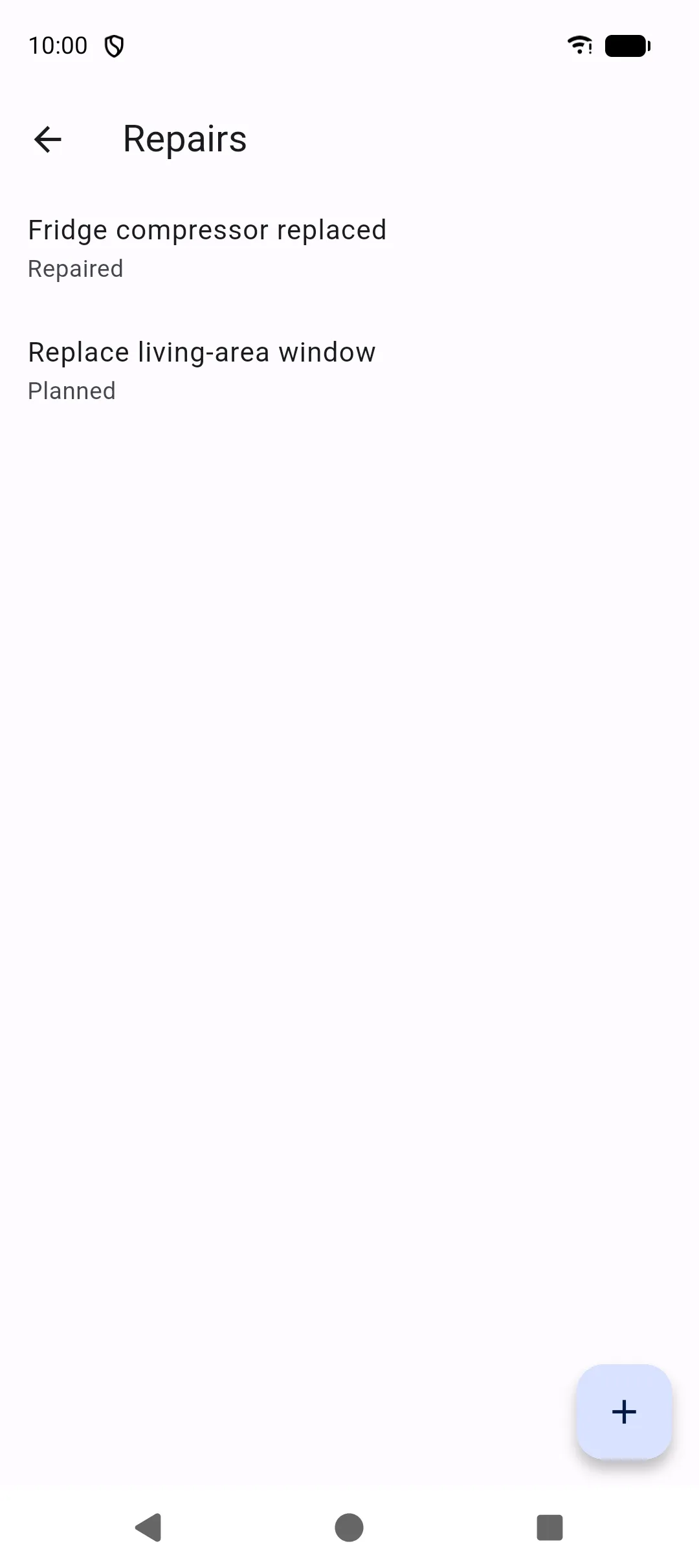
These screens live under More. Together they are the service history of the selected vehicle.
Mileage
Section titled “Mileage”More → Mileage stores odometer readings. Each reading has a value, date, optional note, and a source (manual, fuel, maintenance, repair, trip, or incident).
If a new reading is lower than the previous one, SAKCarLog warns you so typos are easier to catch. The latest reading updates the vehicle’s current mileage used on Home and for due dates.
Maintenance
Section titled “Maintenance”More → Maintenance is the log of work already done: category, garage, parts, cost, mileage, invoice, and notes.
Categories include oil change, filters, tyres, brakes, batteries, technical and gas inspections, waterproofing, heating, refrigerator, water circuit, solar panels, general service, and other.
Invoices and photos use Import a file and Take a picture.
Maintenance plans
Section titled “Maintenance plans”Plans are the schedule, not the job. Open Plans from maintenance to set a title, time interval, distance interval, and the next due date or mileage. Home shows the next due item and raises an alert when a plan is overdue.
When you complete a service, add a maintenance record and update the plan’s next due values.
Repairs
Section titled “Repairs”More → Repairs is the list of repair jobs for the selected vehicle. Tap + to add one, or open a row to edit problem, diagnosis, solution, status, garage, parts, cost, photos, and invoice. Photos and invoices use Import a file and Take a picture. Home also has Add repair.
Statuses: to diagnose, planned, temporarily repaired, repaired, to watch.
A repair can stand on its own, or it can be linked to an incident. One incident can have several repairs (for example a temporary fix and a later workshop job).
On the repair form, the Incident section shows the linked incident or No incident:
- Link incident — pick an existing incident for this vehicle. On a new repair the choice is saved with the repair; on an existing repair it applies immediately.
- Add incident — on a saved repair only. Creates an incident from this repair, sets that incident to Repair planned, and opens it.
- Unlink incident — detaches the incident without deleting it. Tap the linked title to open the incident.
You can also attach repairs from the incident screen. See Incidents.
Reminders
Section titled “Reminders”More → Reminders are tasks you define: title, date and/or mileage, priority (low, medium, high), recurrence (none, daily, weekly, monthly, yearly), and whether to notify.
Enable notifications in Settings so reminders and document expiry alerts can fire. After a reboot, SAKCarLog reschedules them.