Navigation
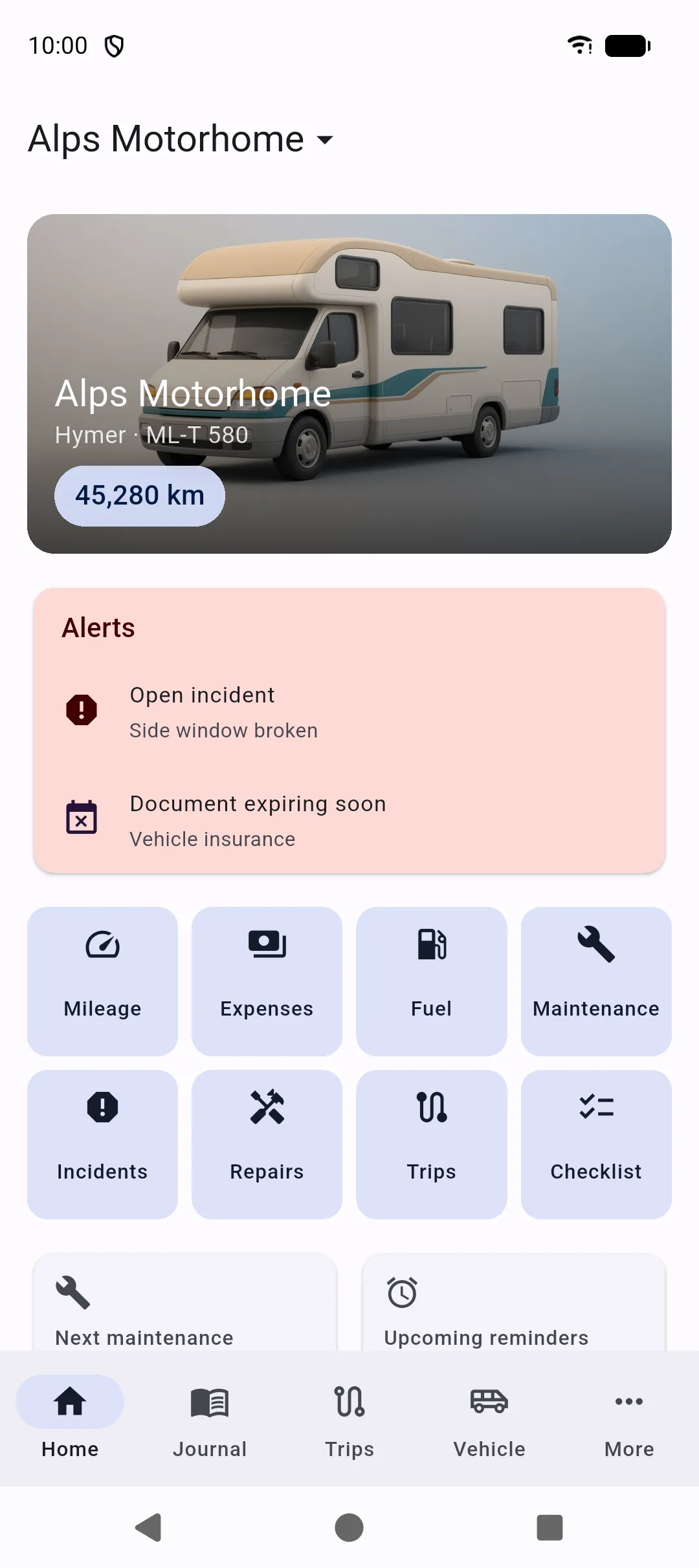
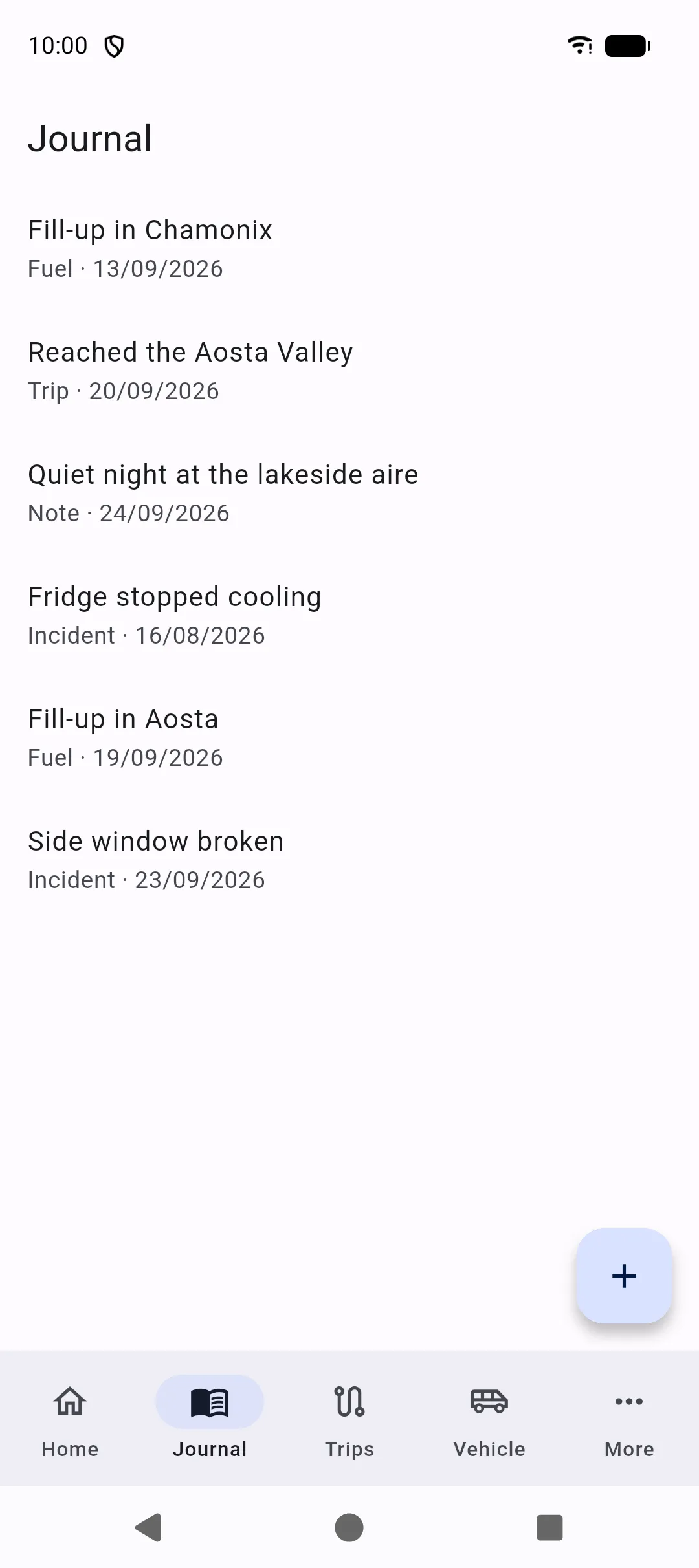
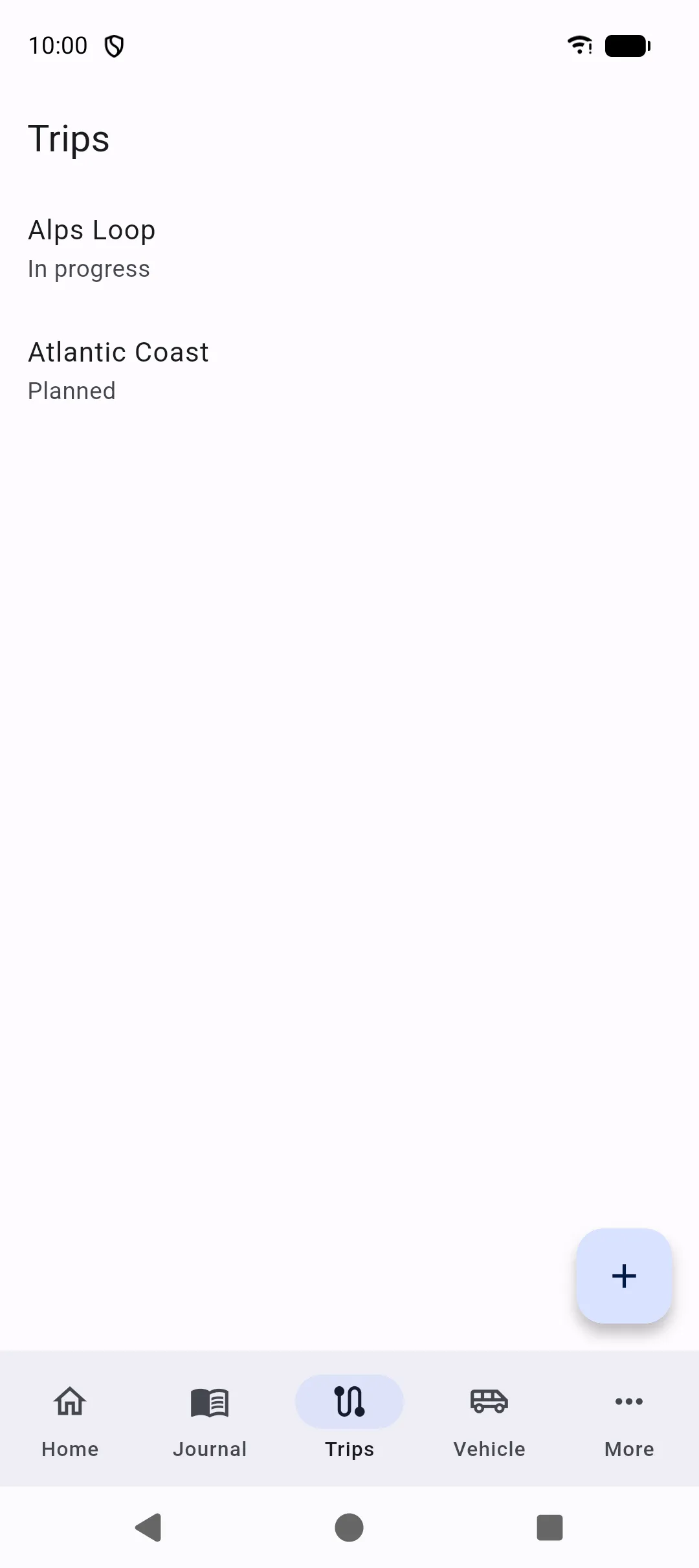
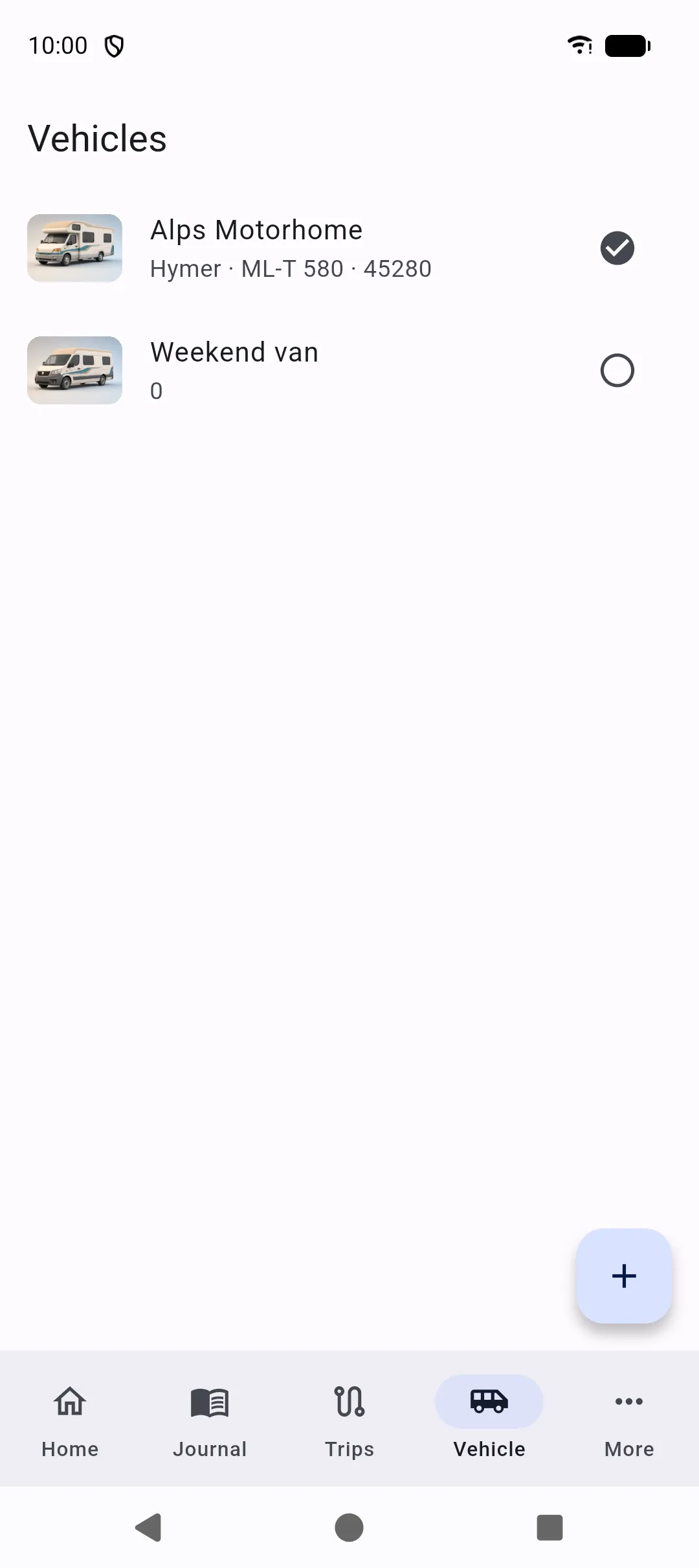
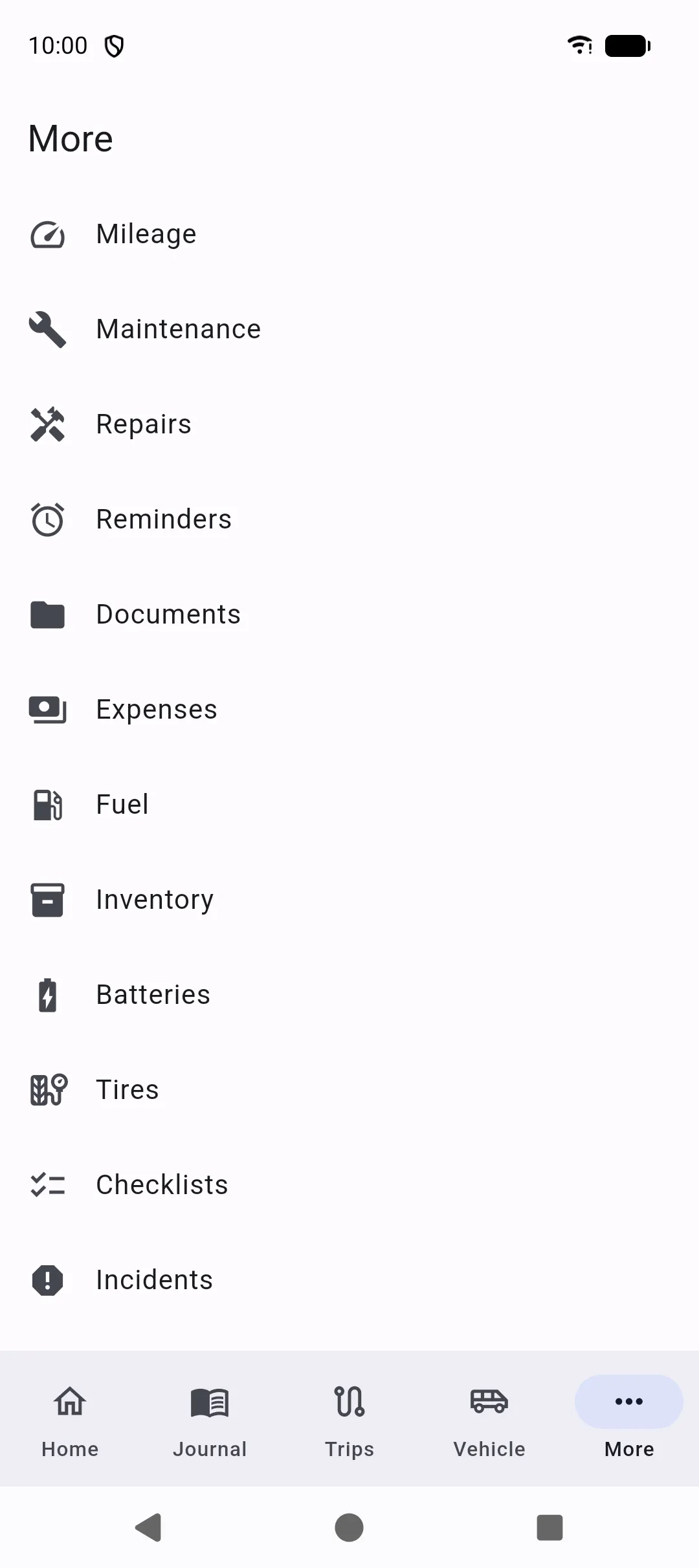
Five tabs sit at the bottom of the app. Everything else is under More.
Bottom tabs
Section titled “Bottom tabs”| Tab | What it is |
|---|---|
| Home | Dashboard for the selected vehicle: photo header, alerts, mileage, and shortcuts. |
| Journal | Chronological logbook, including automatic entries and notes you add. |
| Trips | Planned, current, and past trips, with stops. |
| Vehicle | List of vehicles, profile, specs, batteries, and tires. |
| More | Mileage, maintenance, repairs, reminders, documents, expenses, fuel, inventory, batteries, tires, checklists, incidents, contacts, search, backup, and settings. |
Selected vehicle
Section titled “Selected vehicle”Most lists show records for the selected vehicle only. Switch vehicle in either of these places:
- Home — when you have more than one vehicle, the title is a menu. Pick a name to use that vehicle on the dashboard and in the rest of the logbook.
- Vehicle — each row has Use this vehicle (the check on the right). Tap the row itself to open the profile.
Set a primary vehicle in Settings if you want a default.
Search and settings
Section titled “Search and settings”Search and Settings are at the bottom of More, not on the tab bar. From More you also open Repairs and Incidents, which are linked: one incident can have several repair jobs, and you can attach the incident from either screen. See Search, Settings, Repairs, and Incidents.