
Journal
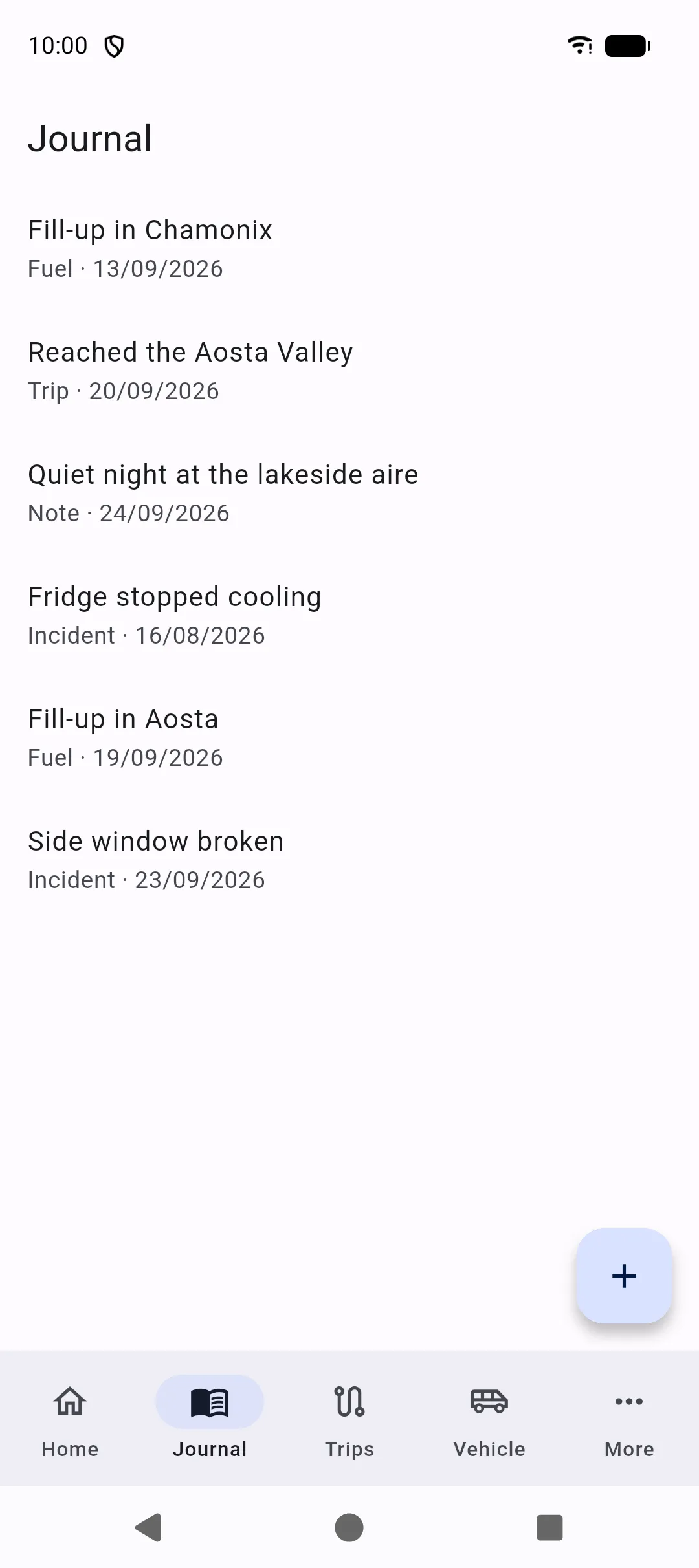
The Journal is a timeline for the selected vehicle. Many actions elsewhere in the app also create a journal line so you can scroll one history instead of hunting through lists.
Automatic entries
Section titled “Automatic entries”SAKCarLog can add journal entries when you record:
- Maintenance
- Repairs
- Fuel fill-ups
- Trips and stops
- Incidents
- Mileage
- Tires (mount, unmount, replace)
Each line shows a type label and the date.
Manual notes
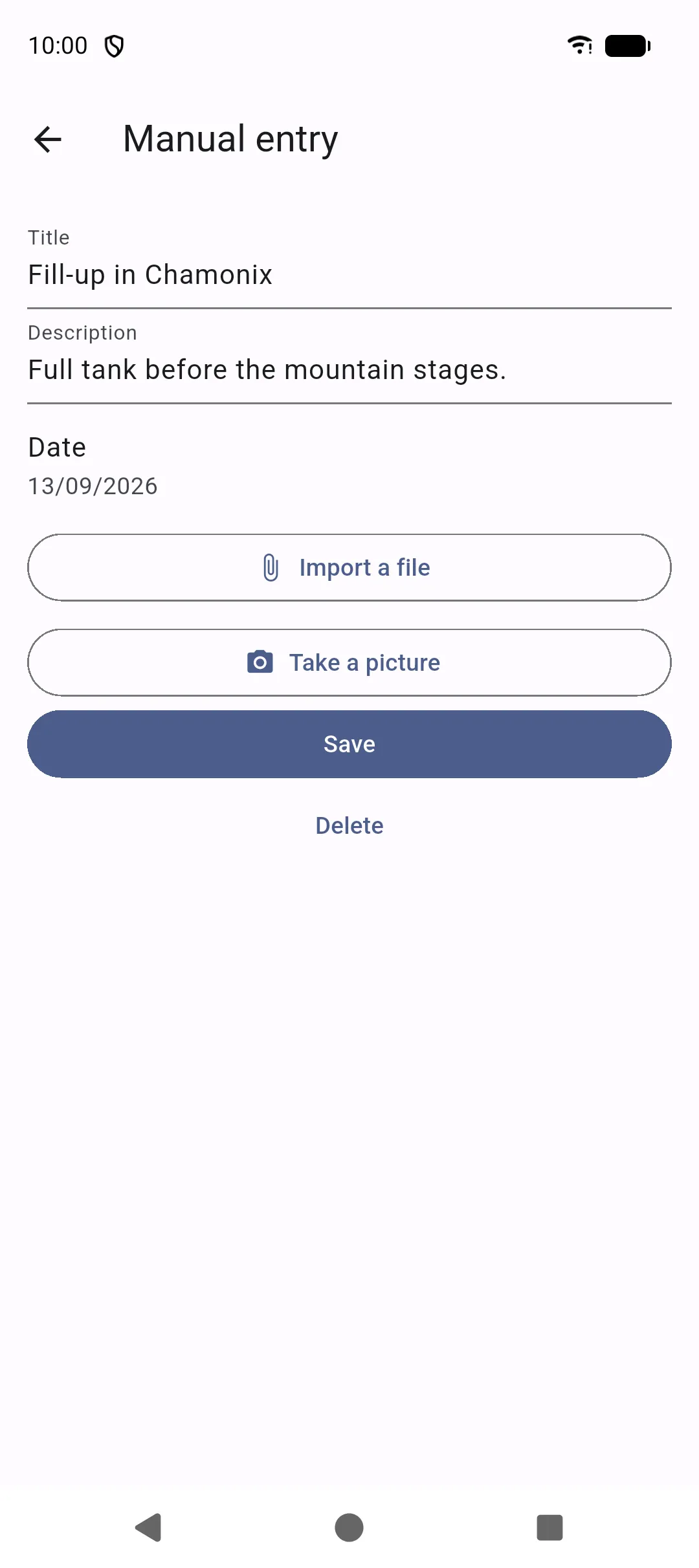
Section titled “Manual notes”Tap + to add a note, photo, or free-text entry. You can set the date, title, description, and photos. Use Import a file or Take a picture for photos — the same actions as on documents and repairs. Use this for days on site, reminders to yourself, or anything that does not fit another screen.
Opening an entry
Section titled “Opening an entry”Tap a line to see the full text and photos. Entries that came from another feature stay linked to that record so you can jump back to the maintenance job, trip, or incident.