
Backup and restore
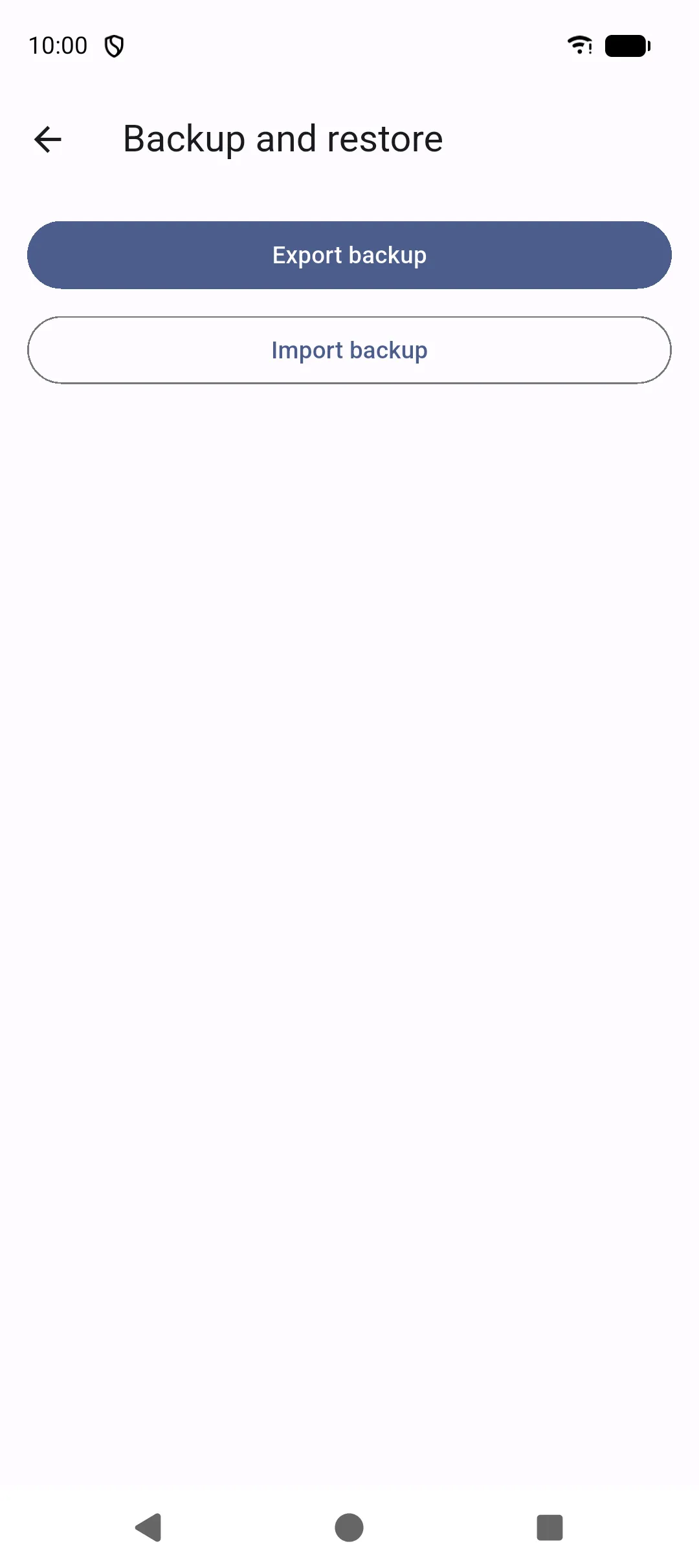
SAKCarLog does not sync to the cloud. The way to move data to a new phone, or keep a copy off-device, is an encrypted backup you export yourself.
More → Backup and restore (also Import backup on first launch).
Export
Section titled “Export”- Tap Export backup.
- Choose a file name and a password of at least 8 characters.
- Save or share the file with Android (Drive, email, USB, and so on).
The file is encrypted. After you share it, that copy is under your control and under the rules of the service you picked. SAKCarLog never receives the backup unless you send it yourself (for example for support).
Import
Section titled “Import”- Tap Import backup (or use the same action on the welcome screen).
- Select the backup file.
- Enter the password used at export.
- Confirm. Restore replaces data on this device.
A wrong password fails without changing existing data.
Good practice
Section titled “Good practice”- Export before you delete a vehicle or delete all data.
- Store the password somewhere you will still have on a new phone. Without it the file cannot be opened.
- Treat the backup like the logbook: it can contain photos, documents, and vehicle identifiers.