
Inventory and ops
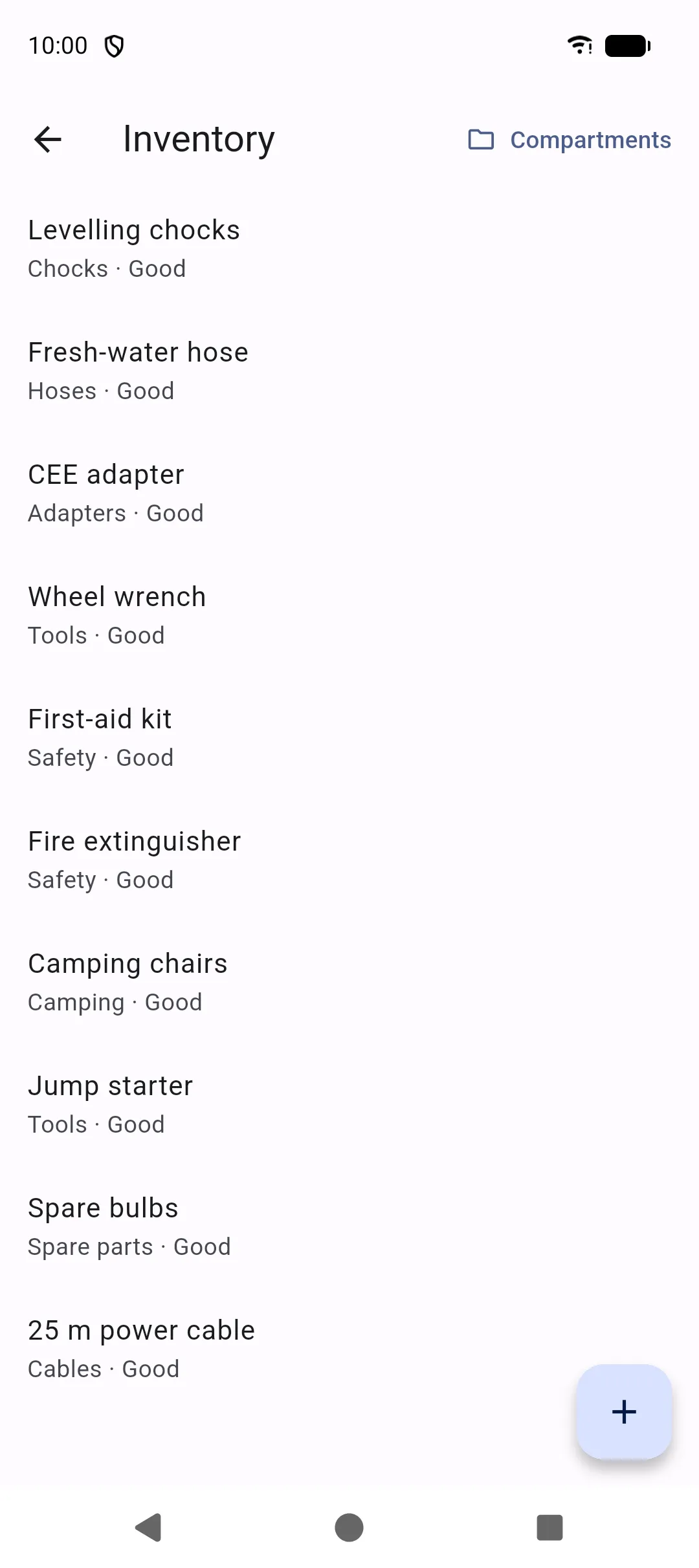
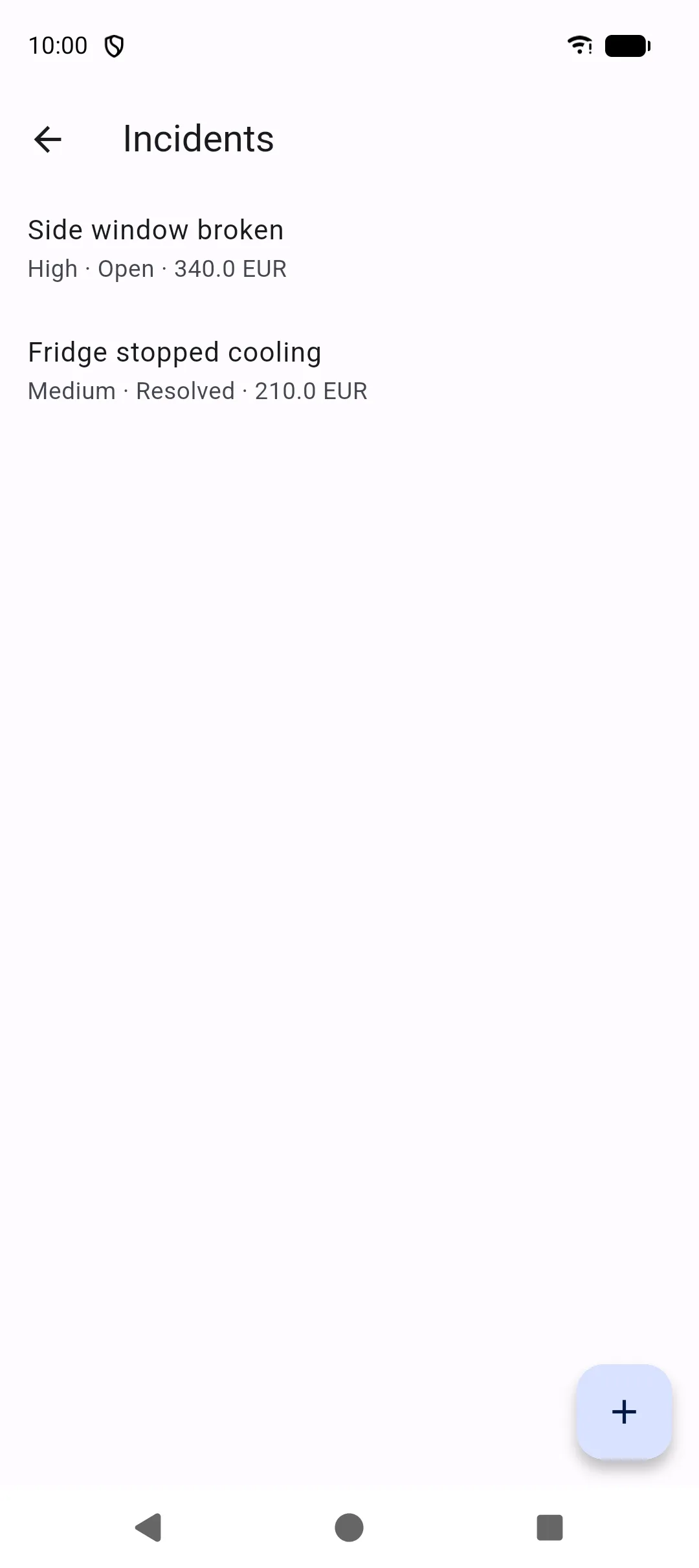
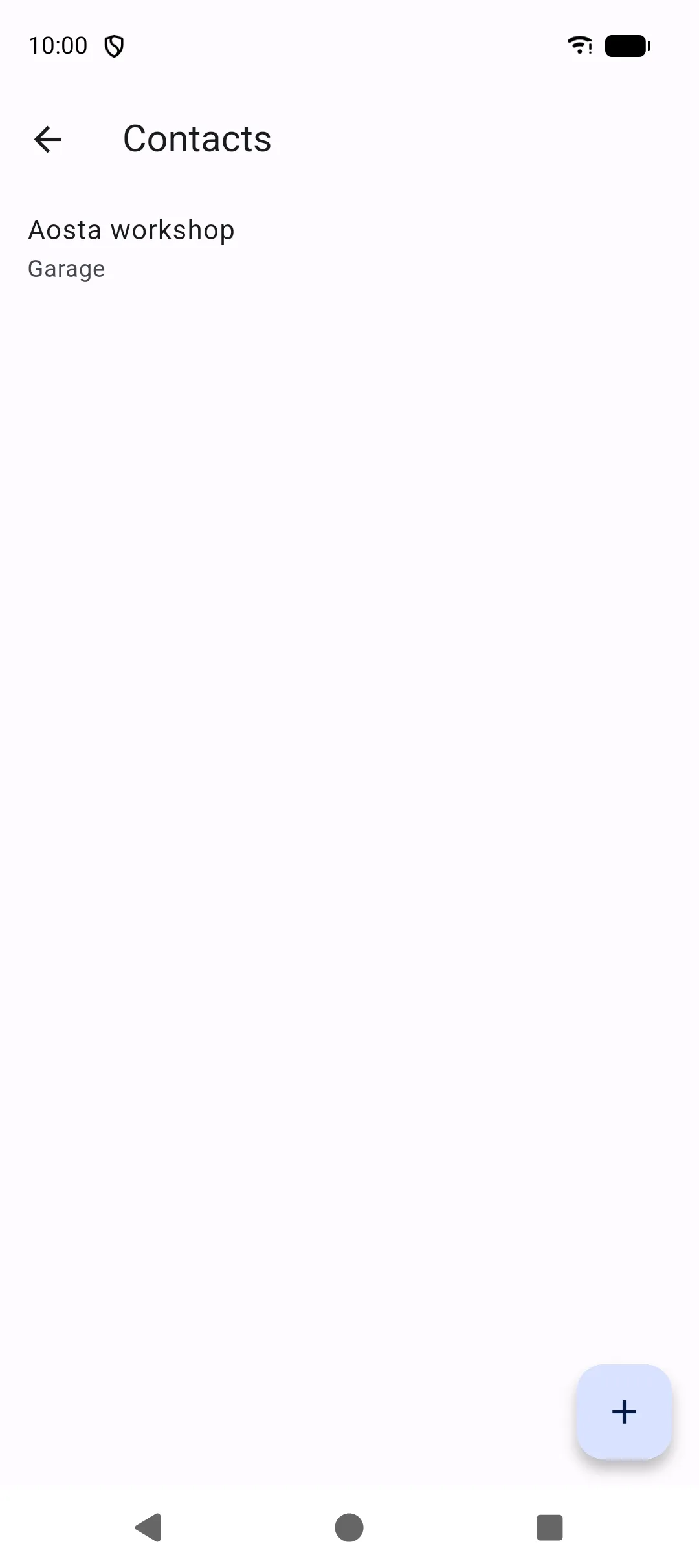
These tools sit under More. They cover what you carry, how you prepare, what broke, and who to call.
Inventory
Section titled “Inventory”More → Inventory lists equipment for the selected vehicle: name, categories (tools, cables, adapters, chocks, hoses, spare parts, dishes, camping, safety, other), quantity, serial number, purchase date, warranty, condition, and location.
Conditions: good, to check, to repair, to replace, missing.
Home’s inventory tile shows how many items belong to the selected vehicle.
Compartments
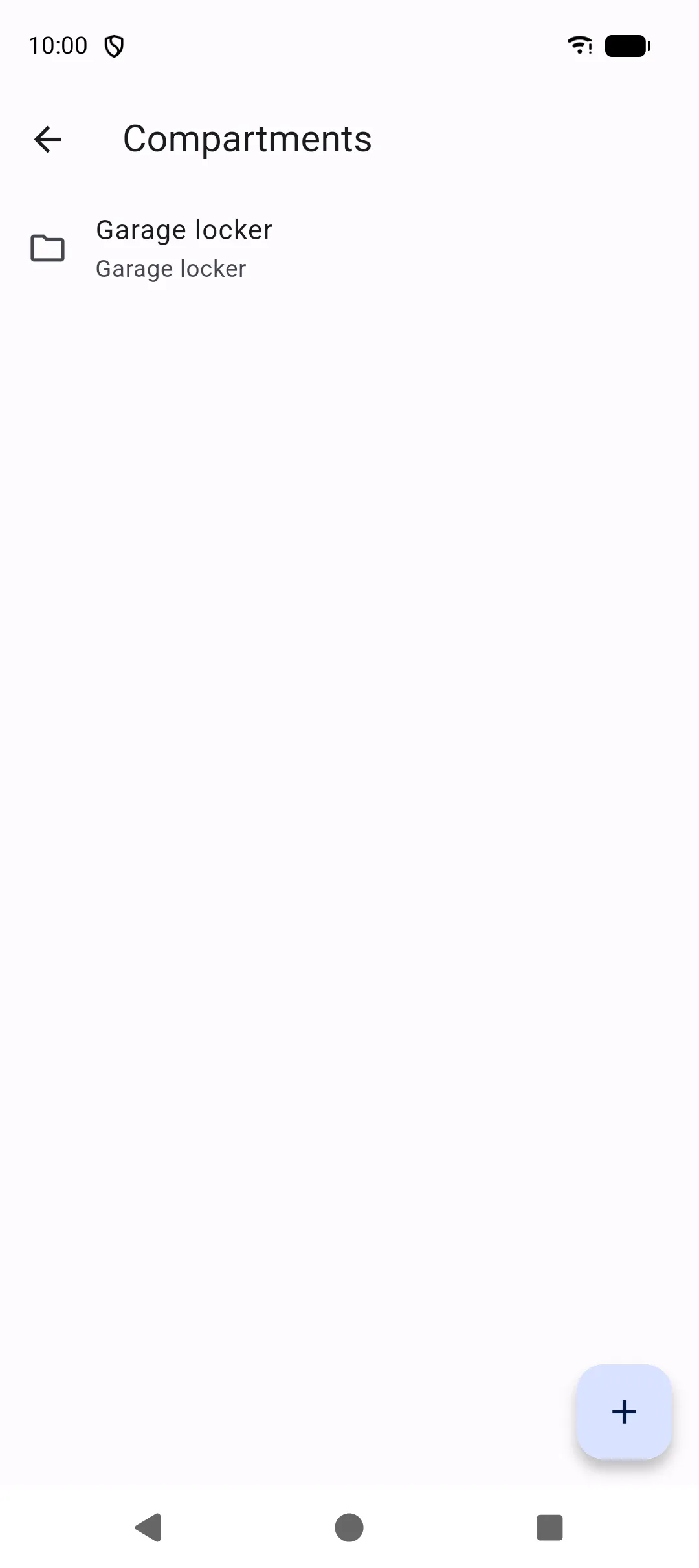
Section titled “Compartments”Compartments are storage locations (garage, overhead locker, and so on). Locations can nest under a parent. Assign an item to a location so you can answer “where is it?” and move items between compartments.
Checklists
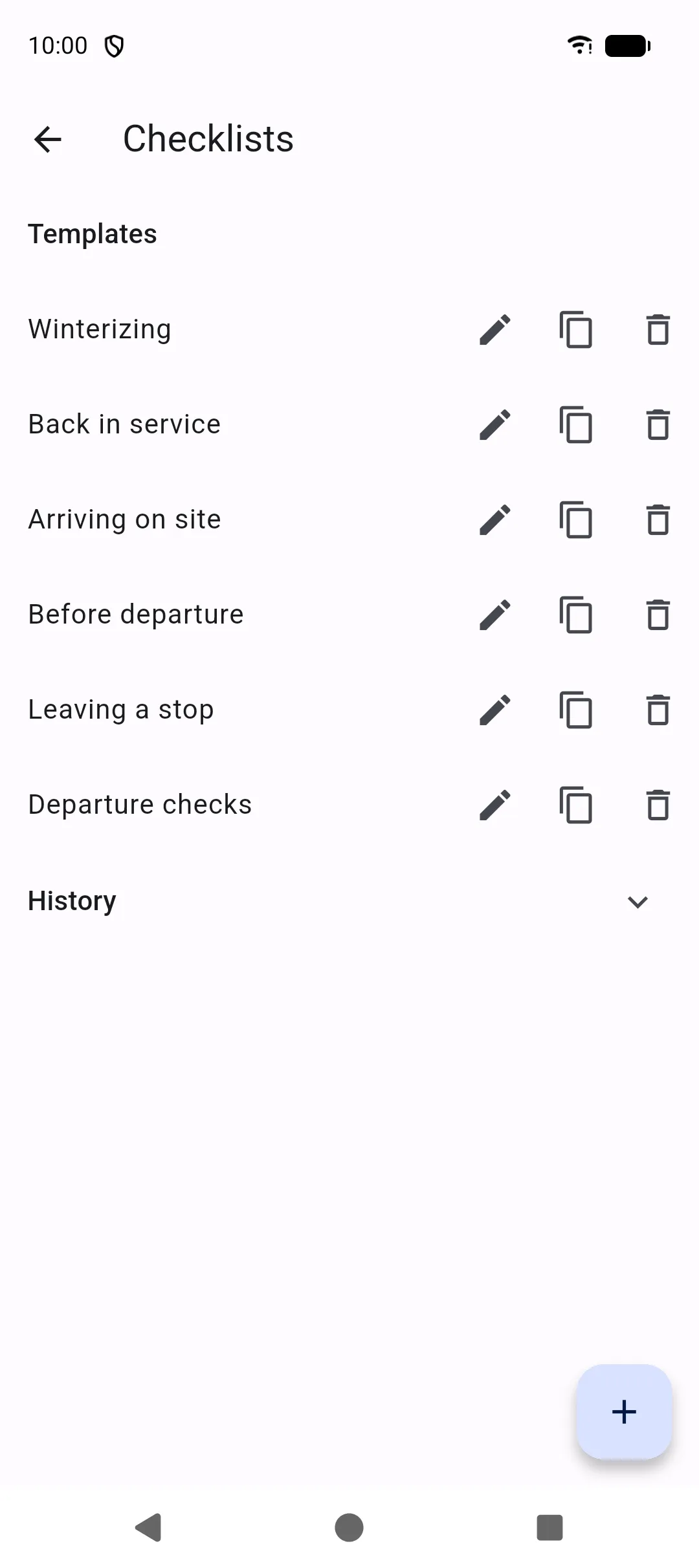
Section titled “Checklists”More → Checklists has templates and a history of runs.
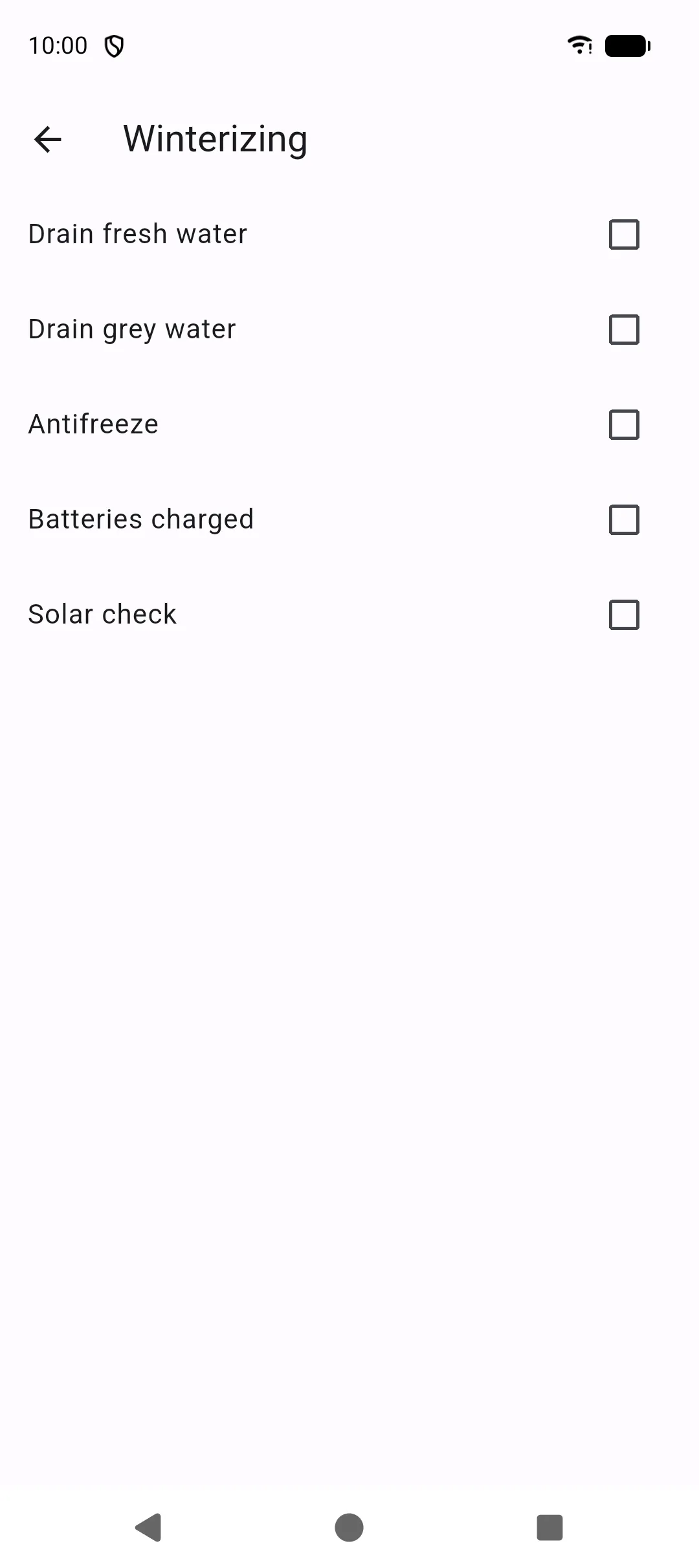
Create a template with the steps you repeat (departure, arrival, winterisation). Start checklist copies that template into a run you tick off for the current vehicle. Open a checklist from Home with Open checklist.
Incidents
Section titled “Incidents”More → Incidents records problems on the road: title, symptoms, severity (low, medium, high, critical), status, whether the vehicle is immobilized, temporary and final solutions, photos, and mileage. Photos use Import a file and Take a picture.
Statuses include open, diagnosis, temporary solution, repair planned, resolved, and to watch. Open incidents appear as Home alerts.
Linked repairs
Section titled “Linked repairs”An incident can have several repairs attached to it. The fault stays on the incident; each repair is a job you did or plan to do (tape now, workshop later, and so on).
You can start the link from either screen:
On a saved incident, Linked repairs:
- Add a repair creates a new repair from the incident (title, symptoms, date, mileage, photos, notes), sets the incident status to Repair planned, and opens that repair.
- Link repair attaches an existing repair that is not already tied to another incident.
- Tap a linked row to open the repair. The unlink icon detaches it without deleting it.
On a repair (create or edit), use Link incident, Add incident, or Unlink incident. See Repairs.
While repairs are linked, the incident Cost field shows the sum of those repair costs and is not edited by hand. Unlinking or deleting a repair updates the total. Deleting the incident unlinks its repairs; the repair records stay in More → Repairs.
Contacts
Section titled “Contacts”More → Contacts stores people and companies: name, company, kind (insurance, assistance, garage, dealer, gas specialist, electricity specialist, manufacturer, emergency, other), phone, email, address, website, and notes.
Tap Call, Email, or Open website to use the phone’s own apps. SAKCarLog does not upload those details.