
Batteries
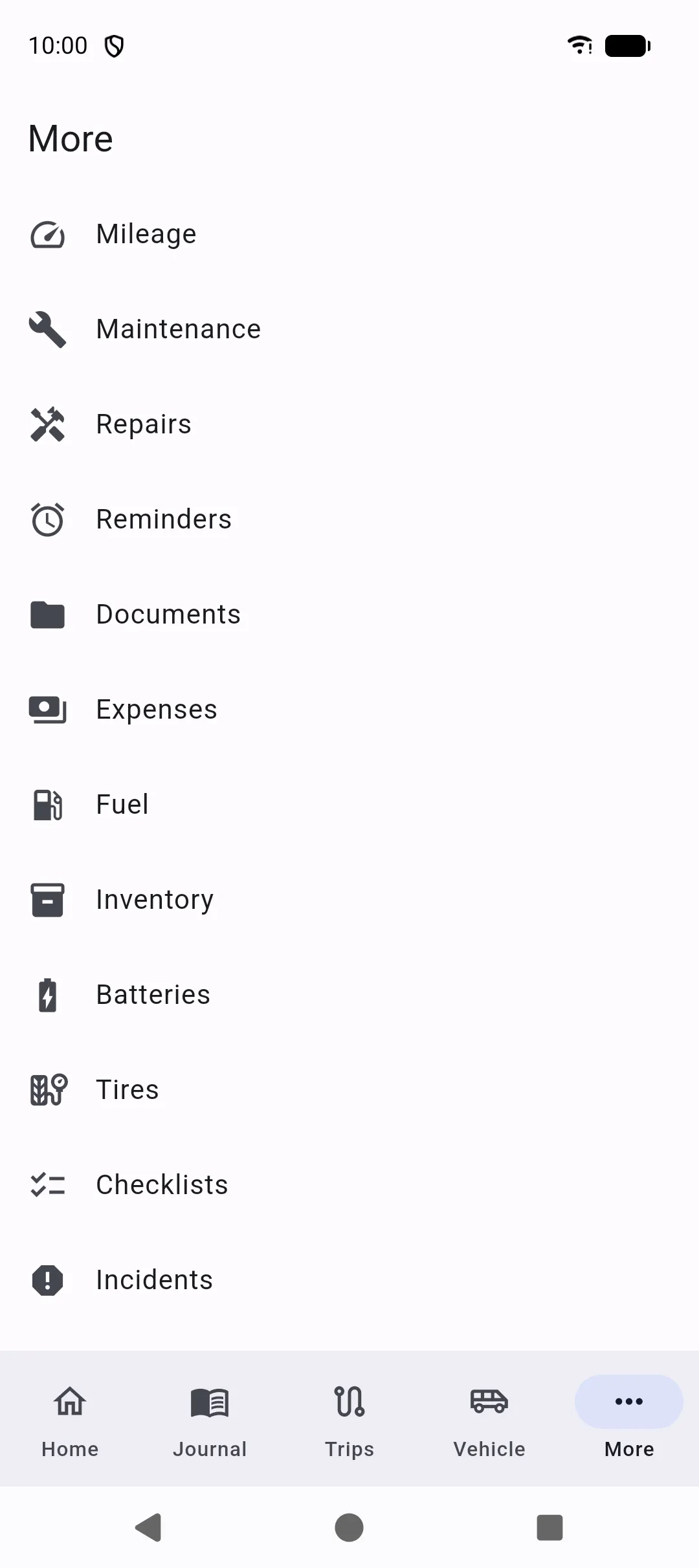
More → Batteries lists the batteries of the selected vehicle: starter, leisure, and any extra bank.
The Vehicle profile and the vehicle editor show the same list, including while you create a vehicle. See Vehicle.
Add a battery
Section titled “Add a battery”Tap + or Add battery. A battery has:
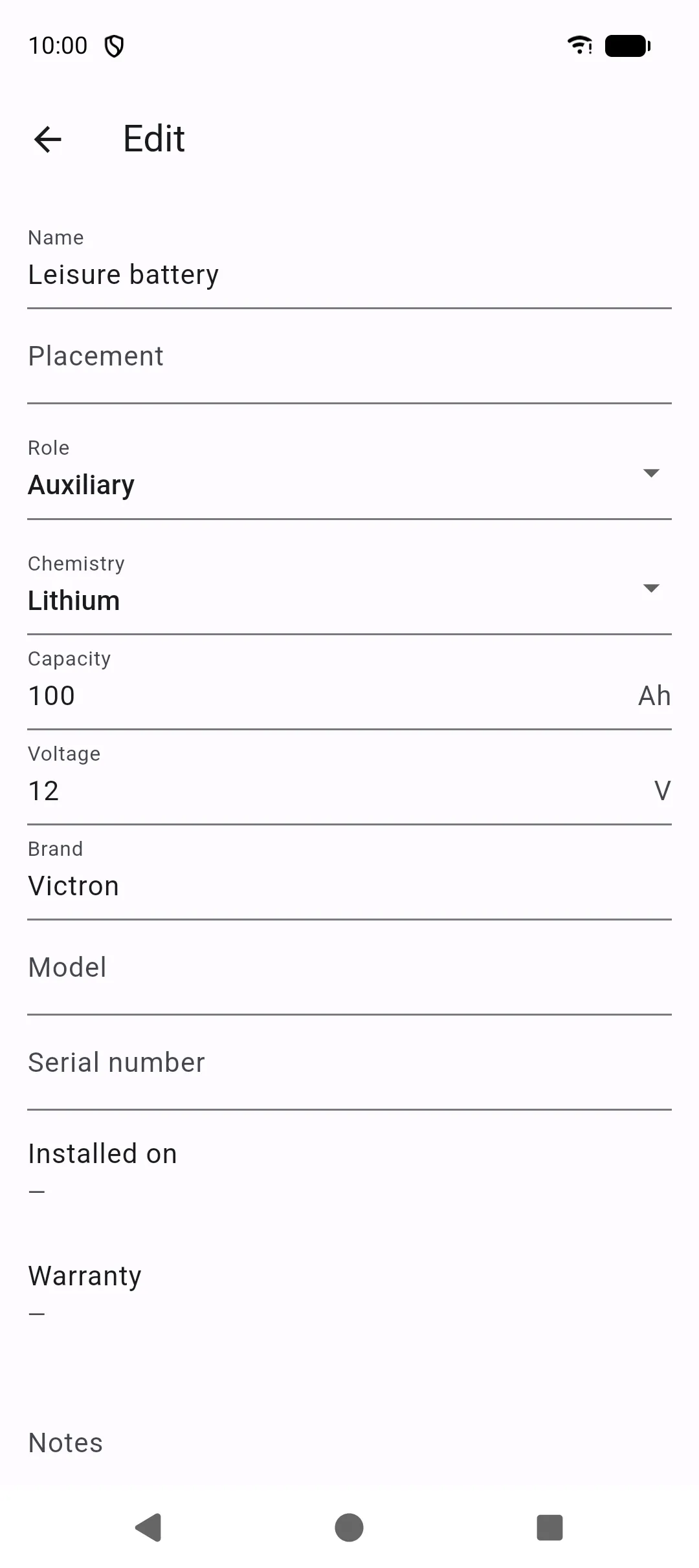
- Name (required)
- Placement
- Role: Engine, Auxiliary, or Other
- Chemistry: Flooded, AGM, Gel, Lithium, or Other
- Capacity (Ah) and Voltage (V, default 12)
- Brand, Model, Serial number
- Installed on, Warranty, Notes
The list line shows the role, the placement when you set one, and the capacity in Ah. Rows are sorted by name. Tap a row to edit or delete that battery.
If there is no selected vehicle, or this vehicle has no batteries yet, the list shows Nothing here yet.
On the vehicle
Section titled “On the vehicle”Auxiliary capacities are added together and stored as the vehicle’s auxiliary-battery figure.
A previous single auxiliary-battery (Ah) value on the vehicle becomes one auxiliary battery the first time you open batteries for that vehicle, when it does not already have any.